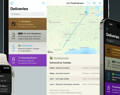
Deliveries 9.6.3 for iOS Deliveries helps you keep track of all your packages, so you always know when they’re going to arrive….
If you have a problem with your subscription in Deliveries, your Device ID allows us to look up some information about your purchases. Here’s how to find it so you can share it with us.
If you’re using Deliveries for iOS:
If you’re using Deliveries for Mac:
Deliveries 9.6.3 for iOS Deliveries helps you keep track of all your packages, so you always know when they’re going to arrive….
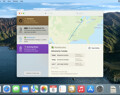
Deliveries 9.6.3 for Mac Deliveries helps you keep track of all your packages, so you always know when they’re going to arrive….
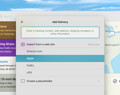
Add to Deliveries 1.3 Browser Extension This browser extension will allow you to quickly add a tracking number to Deliveries using Google Chrome,…