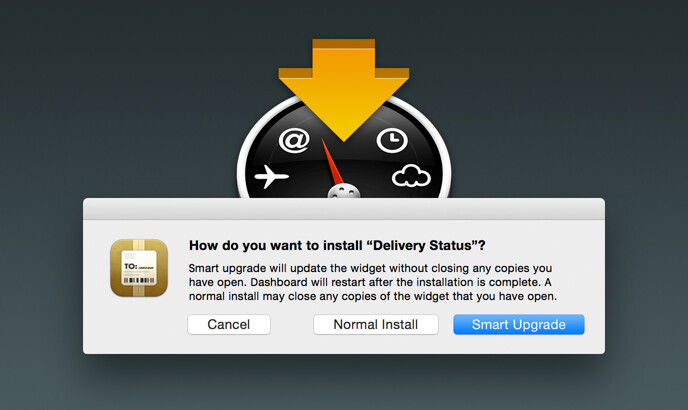
Smart Widget Installer 1.3
Requires a Mac with OS X 10.7 though 10.11. Not compatible with macOS 10.12 or later. For OS X 10.6 download version 1.2.
Donations
Much of our software is free of charge. However if you find it useful we do ask that you consider a donation. Your donation makes it possible for us to keep making great software. Click here to donate now!
Tired of Dashboard closing your open widgets whenever you install a new version of widget? Smart Widget Installer is the answer.
Just drop any number of widgets on the app to install them. If the widget is not installed, it will install normally. If it is already installed, you get the smart upgrade option, which will update the widget without closing any copies you already have open. If you’re tired of having to move your widgets back in place every time you update them, this is for you.
With OS X 10.7 or later, you can set Smart Widget Installer to open automatically:
- Select any widget in the Finder
- Choose “Get Info” from the File menu
- Go to the “Open with” section of the Get Info window and select Smart Widget Installer
- Click the “Change All…” button, then click Continue
New in version 1.3:
- Updated for code signing changes in OS X 10.10 (Yosemite) and 10.9.5 (Mavericks).
- Minor visual improvements.