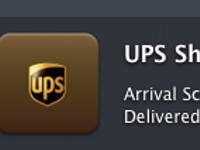
January 14, 2008. It’s time for a major update to Delivery Status! There are a ton of new features in this version that make it nicer and easier to use. You can see a lot of these things in the screenshot above, like the new history menu, and custom Growl icons. Here’s a full list of what has changed since 3.9: The delivery history has been completely redone. Now all of the settings for your past deliveries… Read more »
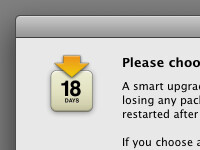
October 28, 2007. This beta is now closed. Thank you for your help! New in this version: Added an installer that will intelligently decide whether to install normally or ask if you’d like to smart upgrade. A smart upgrade allows you to keep your open widgets with the click of a button. Fixed DHL (US) tracking, necessary after a change to their site. Amazon.co.jp orders will now display correctly in… Read more »
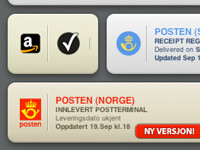
September 19, 2007. This one has a huge list of updates! Added support for FedEx master tracking numbers with multiple packages Fixed a problem that caused “not found” errors for Amazon orders Improved Amazon tracking for certain orders Apple orders that use the international date format will now display correctly Added support for Apple orders shipped via Purolator or TNT Improved Purolator… Read more »
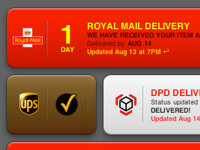
August 14, 2007. Download the beta here. If you find any problems, please let me know! New in this version: Added support for Royal Mail Added support for Aramex Added support for DPD Improved UPS Mail Innovations tracking Improved Amazon tracking If an Adobe order is not found, you will now have the option to re-enter your password Read more »
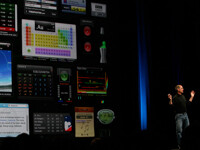
June 13, 2007. Photo by shio. Some rights reserved. This was taken at Apple’s Worldwide Developers Conference on Monday, June 11th, 2007. Unfortunately I didn’t win an Apple Design Award, but there’s always next year! Read more »