Showing the contents of an RSS feed with Junecode Someone asked me recently if it’s possible to subscribe to an RSS feed from a Junecode…
Tense Code 3.0: a quick tutorial
This entry is part of a series showing off the new features in Tense Code 3.0. Tense Code is a content management system that makes creating and updating web sites much easier.
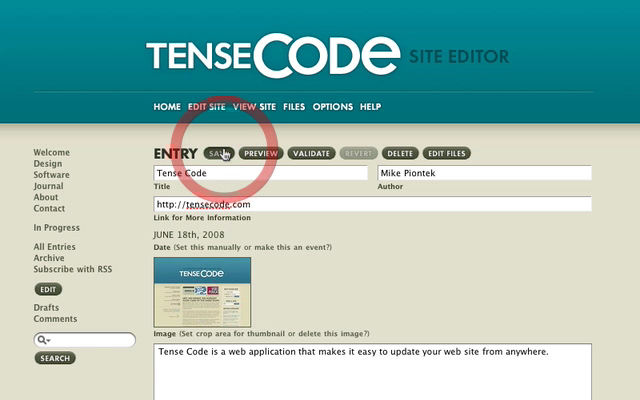
If you’re not familiar with how Tense Code works, here’s a quick tutorial to show you the basics. There’s no narration, but it should be fairly straightforward. Here’s what you’ll see in this video:
- Logging in and selecting a site to edit
- Viewing your existing web site
- Adding a new entry
- Uploading an image with the entry
- Selecting categories
- Previewing and validating your new entry
- Saving the entry and then viewing the updated site
View more
Junecode
Using Junecode for a site that isn't a blog In reply to this entry, Nathan asked: Had to give this a [go]. Some really slick…

Introducing Junecode 3.0 (formerly Tense Code) After a year and a half of work, I’m excited to present the first beta of Junecode 3.0,…

Tense Code 3.0: a new look and iPhone support This entry is part of a series showing off the new features in Tense Code 3.0. Tense…
Comments
This entry has 2 comments.
NameCat.com wrote on July 22, 2008:
Hi Mike -
Thanks for the preview! I heard Tense Code 3.0 was coming last month (June) with support for making posts/pages in Japanese. Any update on when a download will be available?
Rafael
Mike Piontek wrote on July 22, 2008:
I apologize for the delay! These past few weeks have been very hectic. I’m actually working on some of the finishing touches right now, and I’ll definitely have the first beta version available in a day or two.